LimeSurvey Inviter Plugin
The Limesurvey Inviter plugin allows survey administrators to automatically send invitations and reminders.
Plugin Installation
- Copy the Inviter folder to the Limesurvey "plugins" directory.
- Activate the plugin at the Limesurvey plugin manager (requires proper user rights for accessing the feature at the Limesurvey admin interface).
- create a cron job which calls
$php application/commands/console.php plugin --target=Inviter
Plugin General Settings
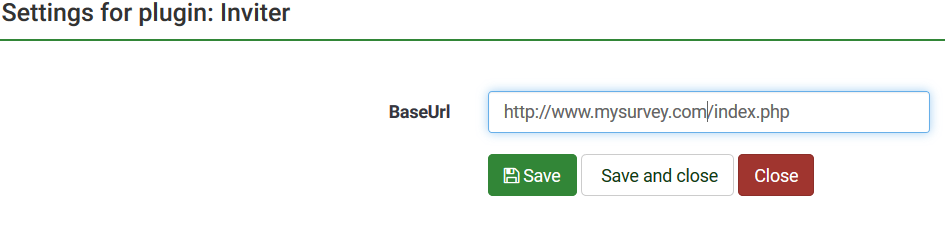
- baseUrl, your Limesurvey URL
Plugin Survey Settings
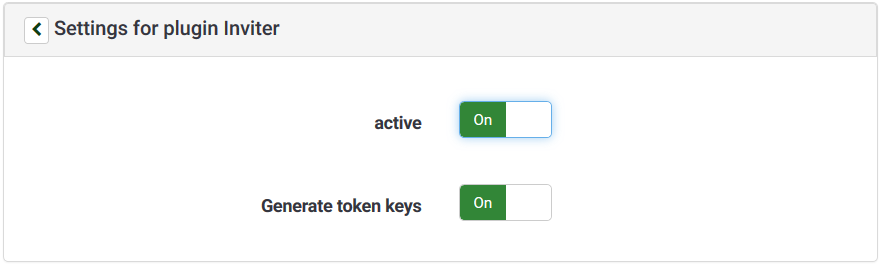
- active (yes/no)
- generateTokenKeys (yes/no)